
As synthetic media and generative artificial intelligence become ubiquitous, major tech coalitions are deploying content authenticity standards. Chief among them is C2PA (Coalition for Content Provenance and Authenticity). While framed as a countermeasure against misinformation, C2PA silently turns everyday images into digitally signed tracking beacons.
1. The Rise of Content Credentials
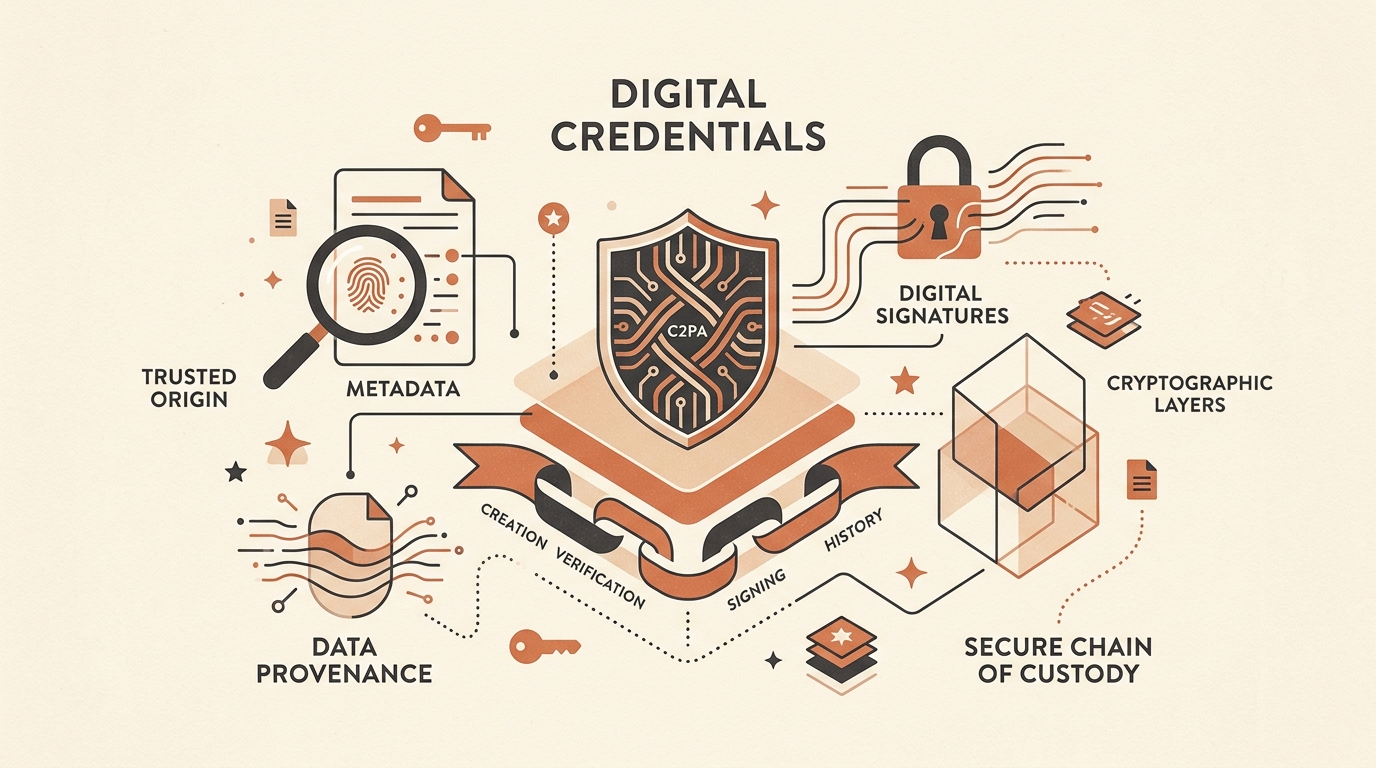
Formed by Adobe, Microsoft, Arm, Intel, and Truepic, C2PA establishes an open technical standard designed to certify where an image originated and how it was edited. When an AI tool like Adobe Firefly, DALL-E 3, or Bing Image Creator outputs an image, it injects an invisible cryptographically signed manifest directly into the image bytes.
These markers, commonly identified on social platforms as the "Content Credentials (CR)" pin, contain verifiable logs recording the generator model, timestamp, parent edits, and software signatures.
When you publish a photo containing C2PA metadata, any platform or viewer can inspect the exact software used, device credentials, and creation timestamps — effectively eliminating digital anonymity.
2. Anatomy of a C2PA Manifest (JUMBF Boxes)
Unlike standard EXIF tags that reside in a JPEG's APP1 segment or PNG tEXt blocks, C2PA embeds data inside JUMBF (JPEG Universal Metadata Box Format) structures.
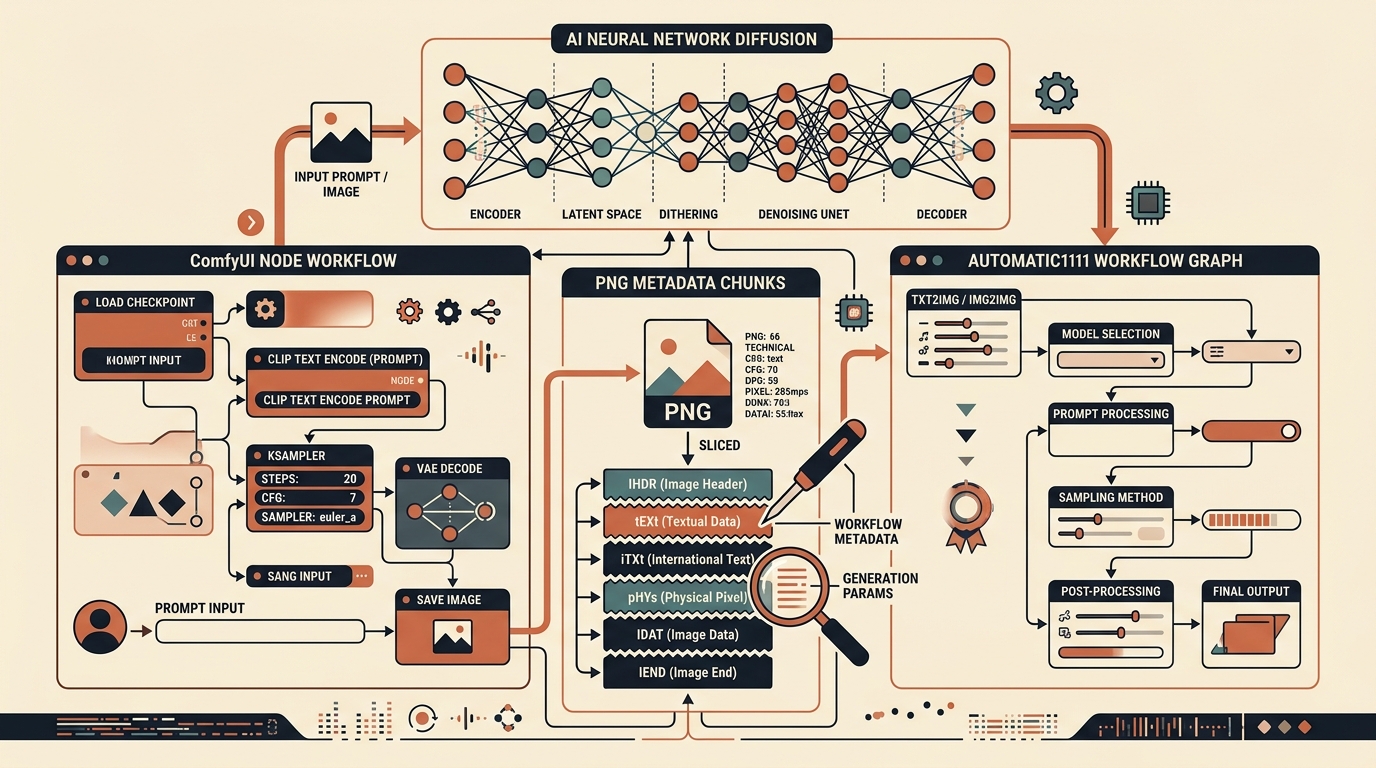
In JPEG files, JUMBF manifests are typically stored inside APP11 application marker segments (identified by the two-byte marker 0xFFEB). In PNG files, C2PA resides inside dedicated chunks like caIp or embedded XMP payloads.
// Binary representation of a C2PA JUMBF Box inside JPEG APP11
Marker: 0xFF 0xEB          // APP11 Segment
Length: [0x00, 0x3E, ...]  // Variable chunk length
JUMBF Superbox:
  ├── JUMBF Description Box ('jumd')
  │    └── UUID: c2pa.manifest / c2pa.signature
  ├── CBOR Assertion Store ('cbor')
  │    ├── Model: "Adobe Firefly Image 3"
  │    ├── Actions: ["c2pa.created", "c2pa.edited"]
  │    └── Hash Binding: SHA-256 (pixels)
  └── Signature Box ('c2pa.signature')
       └── X.509 Certificate Chain & PKI Signature
Because C2PA cryptographically binds the metadata to the image's raw pixel hash, if you alter a single byte of the metadata without stripping the entire container, the certificate validation breaks, causing automated verification engines to flag the image as "Tampered".
3. How Social Platforms & AI Classifiers Detect C2PA
Major platforms including LinkedIn, Meta (Facebook & Instagram), TikTok, and Pinterest actively parse incoming uploads for C2PA manifests:
- Automated Ingestion Parsers: Server-side workers read the
0xFFEBorc2pabyte markers during ingestion. - Content Badging: If an assertion containing
"ai_generated"or generative tooling is found, the platform stamps an unavoidable "AI Info" badge on the post. - Algorithmic Penalties: Several marketplace algorithms (such as Etsy stock assets) downrank or restrict synthetic images lacking human curation disclosures.
4. Why Simple Cropping & Screenshots Often Fail
Many creators attempt to bypass C2PA tracking by taking a screenshot or cropping 1 pixel off the image. While a screenshot drops the original JPEG container, it introduces two severe problems:
- Severe Color Compression: Operating system screen capture buffers crush color profiles into sRGB with 72 DPI downsampling.
- Residual Latent Classifier Artifacts: Generative models (Stable Diffusion, Midjourney, FLUX) produce high-frequency periodic checkerboard artifacts in the frequency domain. Even without C2PA, neural network classifiers easily spot these patterns.
| Method | Removes C2PA? | Preserves Quality? | Resets Perceptual Hash? |
|---|---|---|---|
| OS Screenshot | Yes (Container Lost) | No (Downsampled) | Partial (Crop dependent) |
| Basic EXIF Stripper | No (Ignores APP11) | Yes | No (Hash identical) |
| MetaRinse AI Deep Clean | Yes (100% Sliced) | Yes (High Fidelity) | Yes (Frequency Disrupted) |
5. How MetaRinse AI Completely Strips C2PA Manifests
MetaRinse AI was engineered specifically to solve both layers of modern image tracking directly inside your web browser:
- Lossless Binary Slicing: In Lossless mode, MetaRinse scans the raw
ArrayBufferforAPP11 (0xFFEB)markers and JUMBF byte patterns, cleanly splicing them out without touching image compression tables or re-encoding pixels. - Deep Clean & Anti-AI Disruption: In Deep Clean mode, MetaRinse redraws the image into an off-screen canvas and injects subtle sub-perceptual dithering (±1 LSB). This disrupts periodic latent VAE frequencies while recalculating a brand-new cryptographic SHA-256 hash.
6. Key Takeaways & Safe Sharing Checklist
- Strip Container Metadata: Verify that all APP11 (C2PA) and APP1 (EXIF) segments are excised.
- Reset Perceptual Hashes: Alter sub-perceptual pixel noise to prevent automated reverse-image matching.
- Run In-Browser: Never upload unscrubbed proprietary art to cloud-based converter tools that store logs on remote servers.
Clean C2PA Credentials From Your Images Now
MetaRinse AI processes your files 100% on your device. Free, unlimited, and zero uploads to any remote server.
Open MetaRinse AI Cleaner →