
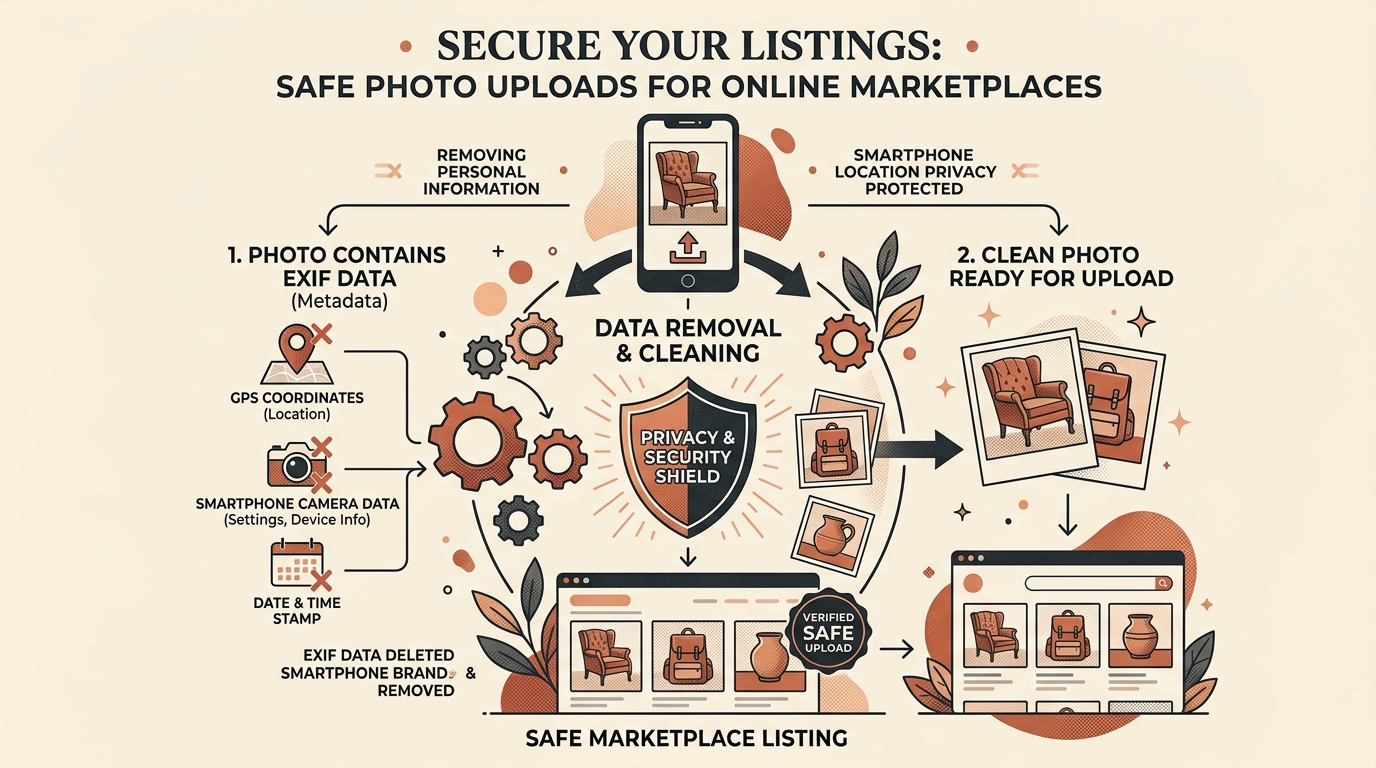
Whether you are selling handmade crafts on Etsy, marketing visual pins on Pinterest, or listing vintage goods on eBay, your product photographs contain hidden technical data. Without proper pre-upload sanitization, photos taken in your home studio or workshop broadcast your exact physical street address, equipment serial numbers, and AI generation parameters.
1. Why Marketplace Privacy Matters for Sellers
Unlike dedicated photo studios with separate commercial addresses, the vast majority of online independent artisans, digital creators, and vintage resellers operate directly out of home studios.
Every smartphone (iPhone and Android) automatically tags every photo with micro-degree GPS latitude, longitude, and elevation coordinates accurate down to three meters. When you upload product photos:
- Home Address Exposure: Anyone who downloads your listing photo or inspects cached CDN assets can extract your home address.
- Inventory Scraping & Asset Duplication: Bots scrape perceptual hashes to cross-index listings across competing e-commerce platforms.
- Algorithmic Suppression: Platforms penalize listings bearing automated AI provenance flags that haven't been scrubbed.
2. The Hidden Tracking Data in Smartphone Photography
A single standard JPEG or HEIC photo taken with an iPhone 15 or modern Samsung Galaxy contains several kilobytes of invisible metadata headers:
| Metadata Tag | Standard Key | What It Reveals |
|---|---|---|
| GPS Coordinates | GPSLatitude, GPSLongitude |
Exact residential street address where product was photographed. |
| Device Serial | BodySerialNumber |
Hardware fingerprint tying multiple accounts to one device. |
| Timestamp | DateTimeOriginal |
Exact second of capture, revealing working schedules and routines. |
| Color Profile | ICCProfile |
Editing monitors and color calibration software footprints. |
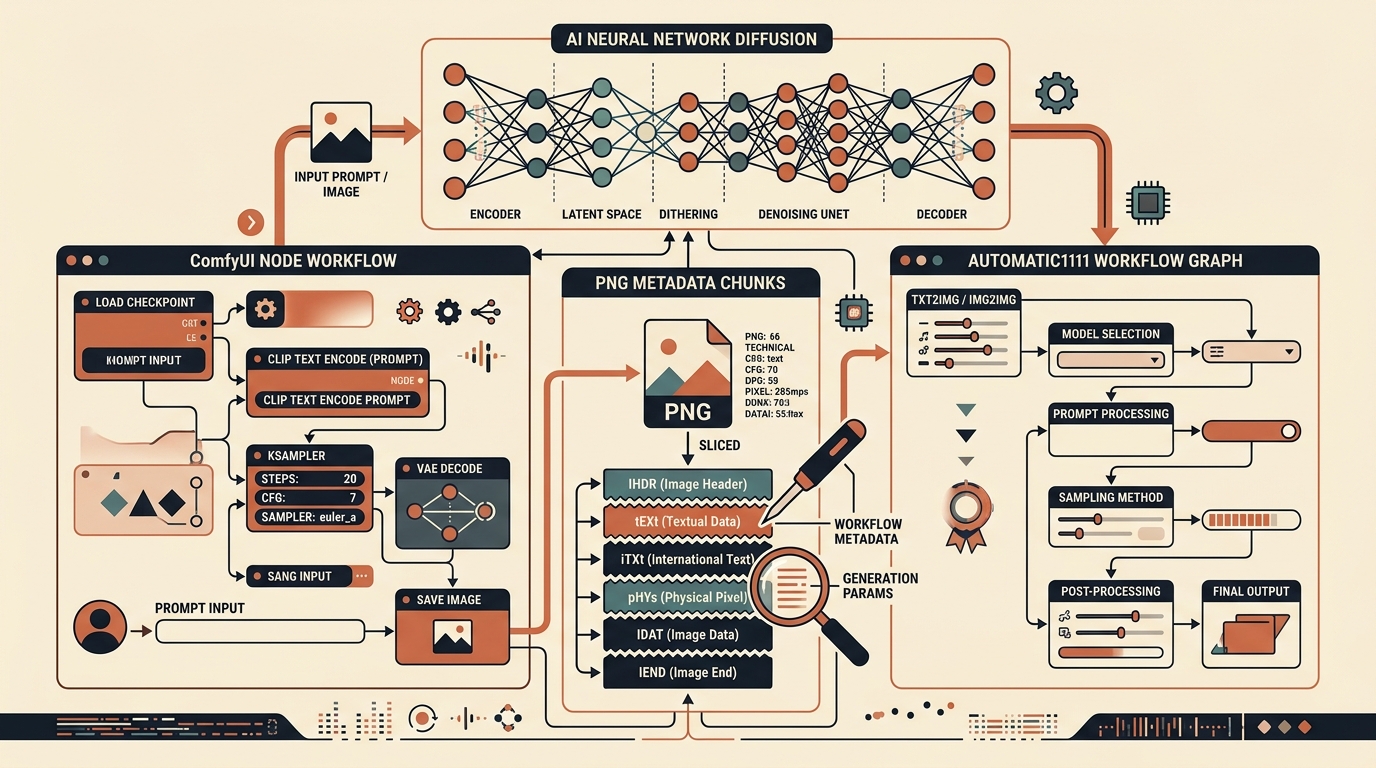
| AI Generation | C2PA, tEXt |
AI mockups, digital enhancements, or prompt tags. |
3. How Marketplaces & Platforms Handle Uploaded Metadata
Many sellers assume that platforms like Pinterest or Etsy automatically strip EXIF data during image upload. While platforms do re-encode images into web formats (such as WebP or downsized JPEGs), their ingestion pipelines process the full raw metadata before stripping it.
This means the platform's internal databases log your device serials, geolocation, and AI markers for account linking, fraud detection, and policy enforcement before any public thumbnail is generated.
Etsy's updated seller guidelines require clear disclosure for AI-created elements. If a listing photo carries uncleaned DALL-E or Midjourney generation metadata, automated ingestion filters can flag the listing for review or suppress it from organic search recommendations.
4. The AI Content Flagging Dilemma on Etsy & Pinterest
Many legitimate physical sellers use AI tools innocently — for example, using Photoshop Generative Fill to remove a background shadow or enhance a studio backdrop. Even a tiny background touchup adds an invisible C2PA Content Credentials tag stating that the image was modified by generative AI.
To automated marketplace bots, the entire product image is now stamped with an "AI" flag. Slicing these tags before upload ensures that honest craftspeople aren't penalized for basic background cleanups.
5. Resetting Perceptual Hashes (dHash) to Prevent Content Scraping
E-commerce counterfeiters frequently scrape original product photos from top Etsy shops and repost them on scam websites. These scrapers use Difference Hashing (dHash) to monitor whether an image has been re-uploaded elsewhere.
In MetaRinse AI's Deep Clean Mode, sub-perceptual micro-variations alter the dHash and MD5/SHA-256 signatures of your photo. This makes automated reverse-image scrapers fail to match your original asset against their stolen databases.
6. Best Practices for Professional E-Commerce Privacy
- Turn Off Location in Camera: Disable location permissions in your smartphone's camera settings for dedicated product photography.
- Batch Clean Before Publishing: Run all product images through MetaRinse AI to strip EXIF, GPS, camera serials, and AI markers in one quick pass.
- Standardize File Naming: Use clean, keyword-rich filenames (e.g.
handmade-ceramic-mug.jpg) rather than default smartphone camera filenames likeIMG_4920.HEICthat disclose camera numbering sequences.
7. Final Seller Pre-Upload Checklist
- Strip Geolocation: Confirm that GPS coordinates are 100% removed.
- Excise Camera Serials: Prevent account linkage across marketplaces via device hardware numbers.
- Clean Generative Touchup Tags: Strip C2PA and generative fill markers from edited studio photos.
Clean Your Listing Photos Now
MetaRinse AI removes location tags, device serials, and AI markers completely in your browser. Free, fast, and 100% private.
Clean Product Photos Free →