
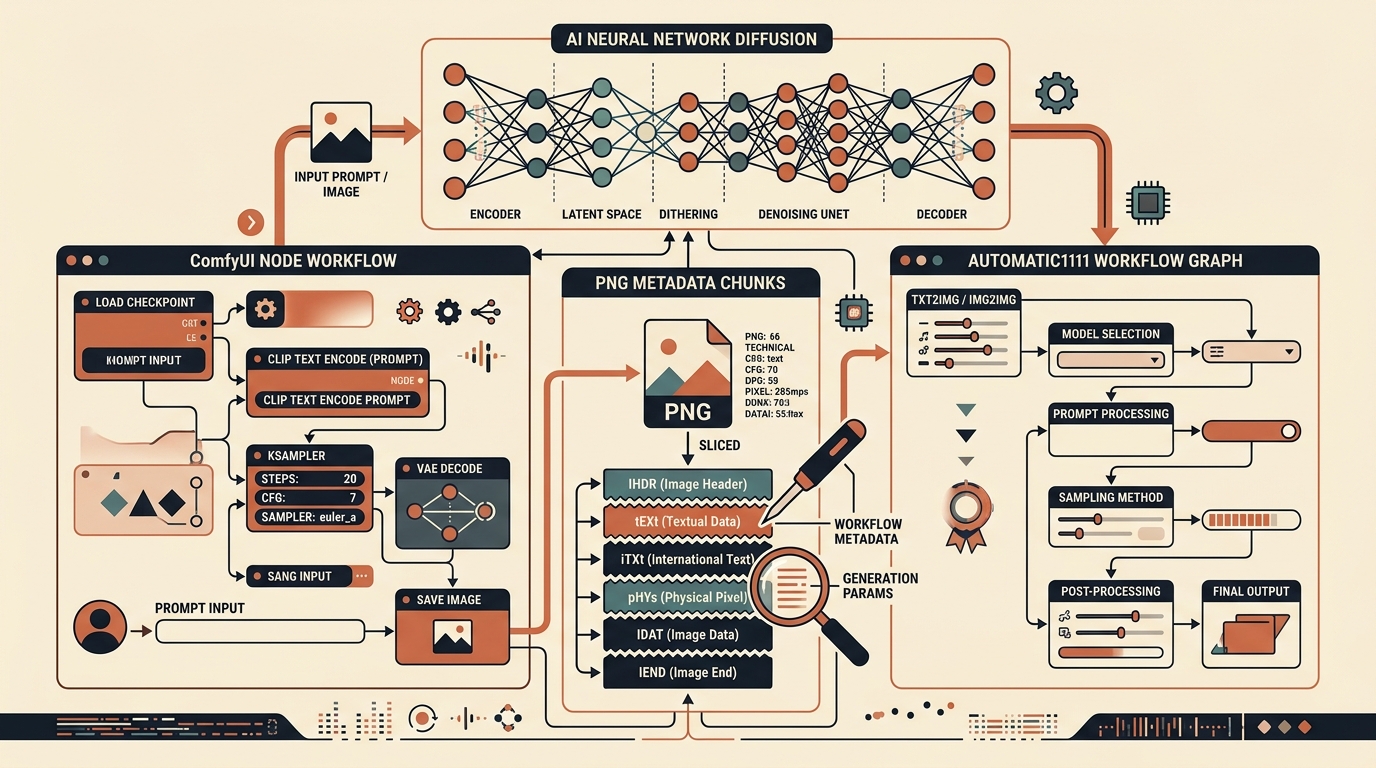
When you generate an artwork in popular Stable Diffusion interfaces like Automatic1111 WebUI, ComfyUI, or Fooocus, the saved PNG or WebP file carries far more than visual pixels. Embedded deep inside the binary container is your entire creative pipeline: exact positive and negative prompts, seeds, sampler settings, and even your multi-node ComfyUI graph.
1. How Stable Diffusion Embeds Generation Data
By default, generative AI web user interfaces automatically serialize generation parameters into image headers. This feature is intended for workflow reproducibility: dragging an image back into the web UI restores the entire workspace.
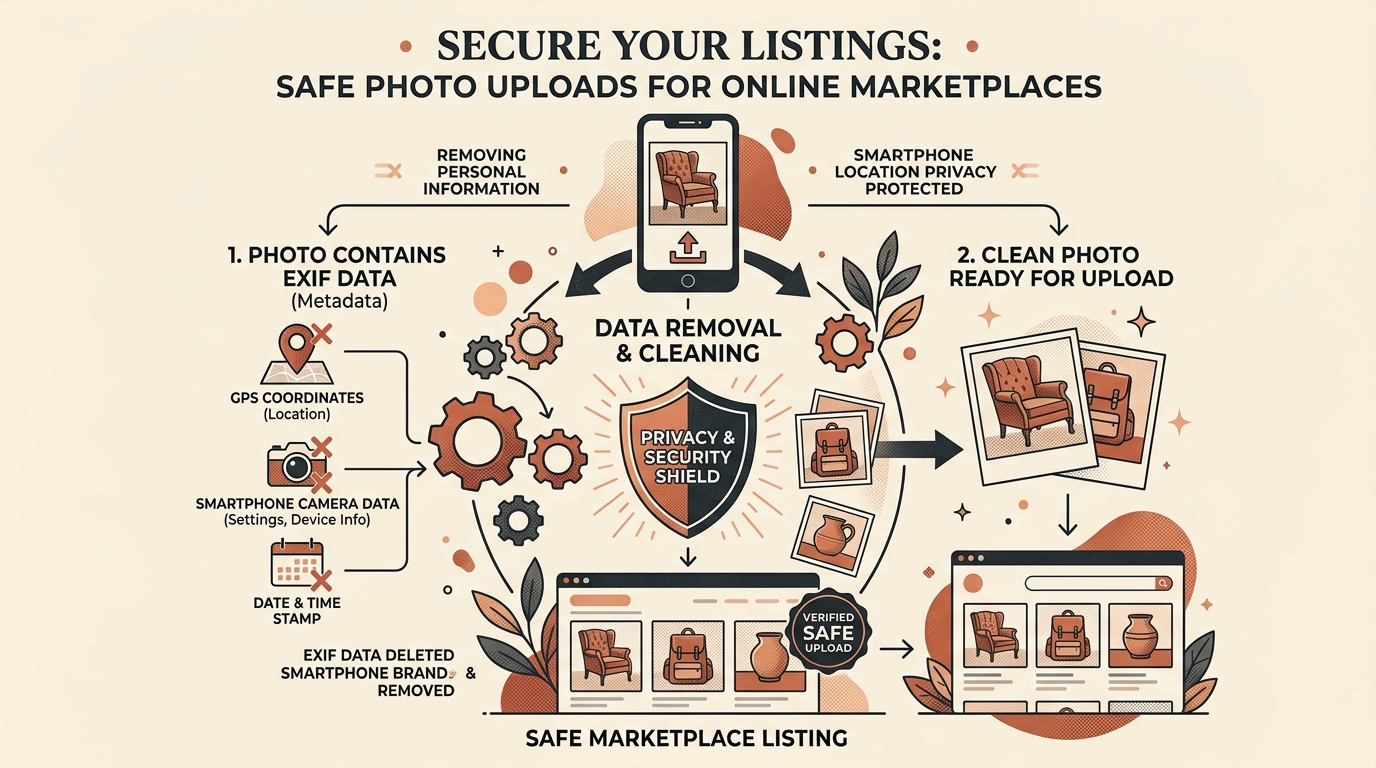
However, when publishing these images publicly on marketplaces, portfolio sites, or social media, this metadata creates severe unintended consequences:
- Prompt Theft: Competitors can instantly inspect and clone your custom artistic styles, LoRA configurations, and prompt engineering formulations.
- Automated AI Classification: Social media ingestion scanners search for keys like
"parameters","prompt", or"workflow"to tag your artwork with AI disclaimers. - Accidental Leakage: Internal paths, checkpoint names, and negative prompt keywords are exposed in cleartext.
2. Deconstructing PNG tEXt, iTXt, and zTXt Chunks
The Portable Network Graphics (PNG) specification organizes binary data into consecutive chunks. Every chunk consists of:
- Length (4 bytes): Big-endian integer specifying the payload size.
- Chunk Type (4 bytes ASCII): E.g.,
IHDR,IDAT,tEXt,iTXt,IEND. - Chunk Data: The actual payload.
- CRC (4 bytes): Cyclic Redundancy Check to verify chunk integrity.
| Chunk Type | Encoding | What Stable Diffusion Stores Inside |
|---|---|---|
tEXt |
Latin-1 Text | Automatic1111 prompts, Seed, Sampler, CFG scale, Model hash. |
iTXt |
UTF-8 Text | ComfyUI JSON node graphs, prompt pipelines, workflow snapshots. |
zTXt |
Compressed zlib | Large serialized workflow graphs and LoRA weight metadata. |
IDAT |
Compressed Pixels | The actual visual image raster data (must be kept intact). |
3. Client-Side Chunk Slicing in JavaScript (Uint8Array)
Rather than sending images to an external API or re-compressing them through an HTML5 canvas (which can degrade image sharpness or introduce JPEG artifacts), we can read the raw binary file as an ArrayBuffer and slice out only the non-essential chunks:
// Pure JavaScript PNG metadata cleaner (zero dependencies)
function stripPngMetadata(buffer) {
  const bytes = new Uint8Array(buffer);
  const cleanChunks = [bytes.subarray(0, 8)]; // Preserve PNG signature
  let offset = 8;
  const view = new DataView(buffer);

  while (offset < bytes.length) {
    const length = view.getUint32(offset);
    const type = String.fromCharCode(...bytes.subarray(offset + 4, offset + 8));

    // Keep essential chunks: Header (IHDR), Palette (PLTE),
    // Image Data (IDAT), and End (IEND)
    const isEssential = ['IHDR', 'PLTE', 'IDAT', 'IEND', 'tRNS'].includes(type);

    if (isEssential) {
      cleanChunks.push(bytes.subarray(offset, offset + 12 + length));
    } else {
      console.log(`Stripped AI metadata chunk: ${type} (${length} bytes)`);
    }

    offset += 12 + length; // 4 len + 4 type + data + 4 crc
    if (type === 'IEND') break;
  }

  return new Blob(cleanChunks, { type: 'image/png' });
}
This approach executes in less than 5 milliseconds inside the browser, completely preserving the pixel-for-pixel mathematical integrity of the artwork while stripping every trace of the generating model and prompt.
4. Latent VAE Frequency Signatures & Anti-Detection Dithering
Stripping binary chunks removes cleartext metadata. However, advanced neural network classifiers (such as Hive Moderation or Illuminarty) analyze images in the frequency domain using Fast Fourier Transforms (FFT).
Latent Diffusion Models decode images through a Variational Autoencoder (VAE) upsampler. This upsampling step introduces high-frequency periodic checkerboard artifacts across pixel boundaries.
In MetaRinse AI's Deep Clean Mode, a sub-perceptual dither (±1 least significant bit on RGB channels) is injected across the canvas buffer. This breaks the periodic mathematical regularity of the VAE lattice without creating any human-perceptible degradation.
5. Lossless Mode vs. Deep Clean Execution
Depending on your specific publishing goal, MetaRinse AI provides two distinct modes:
- Lossless Mode: Uses the pure
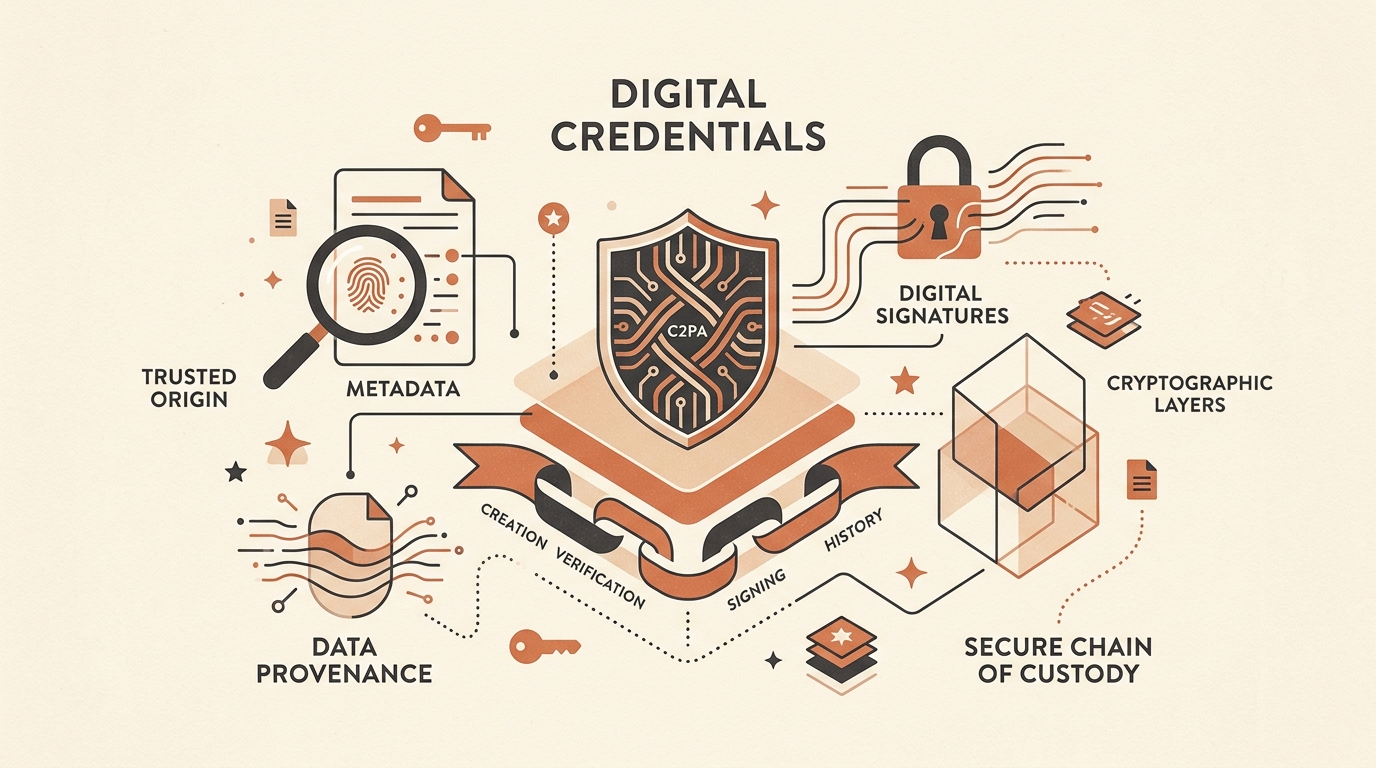
Uint8Arraychunk stripper demonstrated above. Zero bytes of pixel data are touched; the cryptographic bitstream remains 100% untouched while prompts, seeds, and C2PA markers are cleanly excised. - Deep Clean Mode: Reconstructs the canvas with sub-perceptual micro-noise. This changes both the cryptographic SHA-256 hash and the perceptual hash (dHash), making reverse-image lookups and automated AI checkerboard detectors fail.
6. Safe Sharing Checklist
-
Verify PNG Chunks: Confirm that
tEXt,iTXt, andzTXtchunks are absent. - Check for Embedded JSON: Inspect ComfyUI workflow JSON objects to prevent exposing private checkpoints or LoRA names.
- Apply Anti-Lattice Disruption: For uploads to platforms with active AI classification models, apply sub-perceptual dithering to break periodic frequency signatures.
Strip AI Prompts & Workflows From Your Images
MetaRinse AI processes your images client-side in your browser. Fast, free, unlimited, and zero data leaves your machine.
Clean Your AI Images Now →